banner
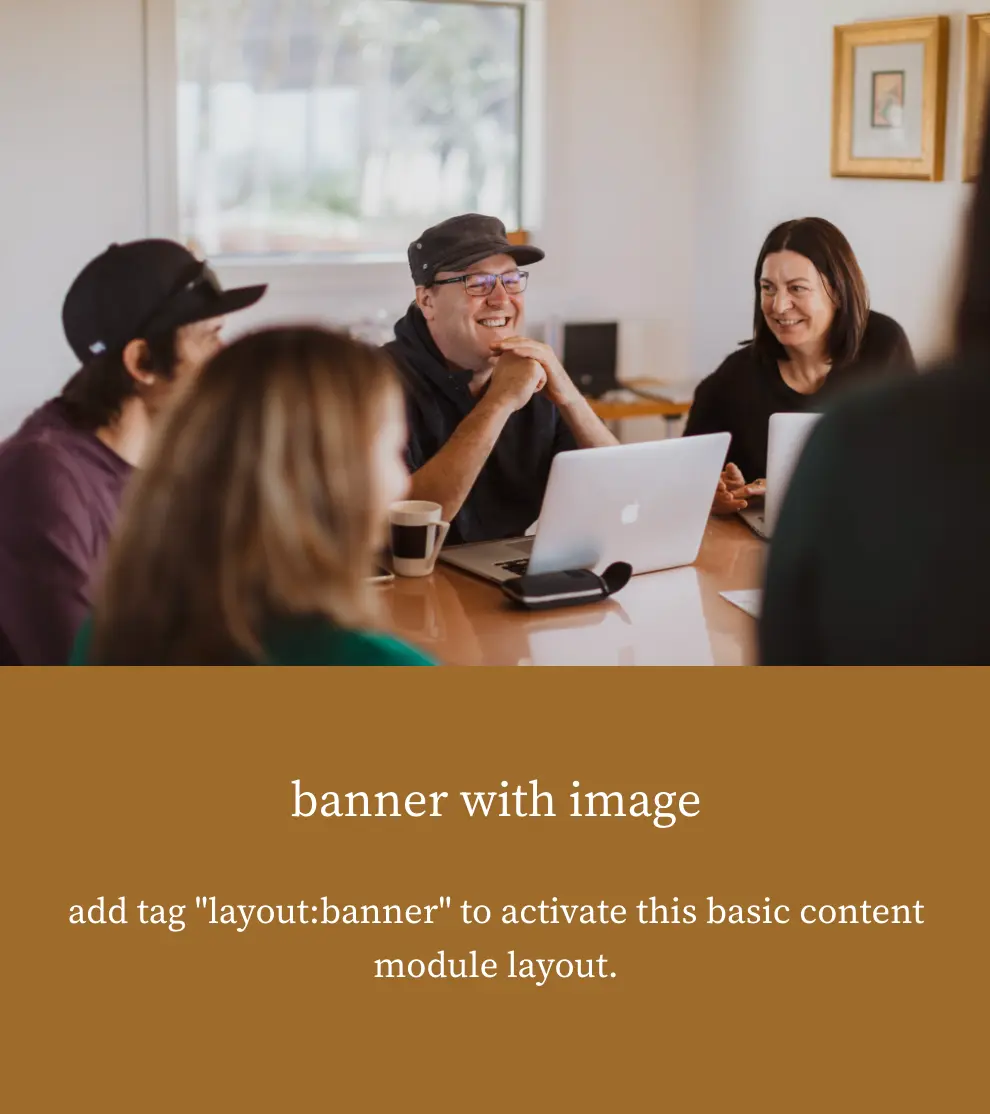
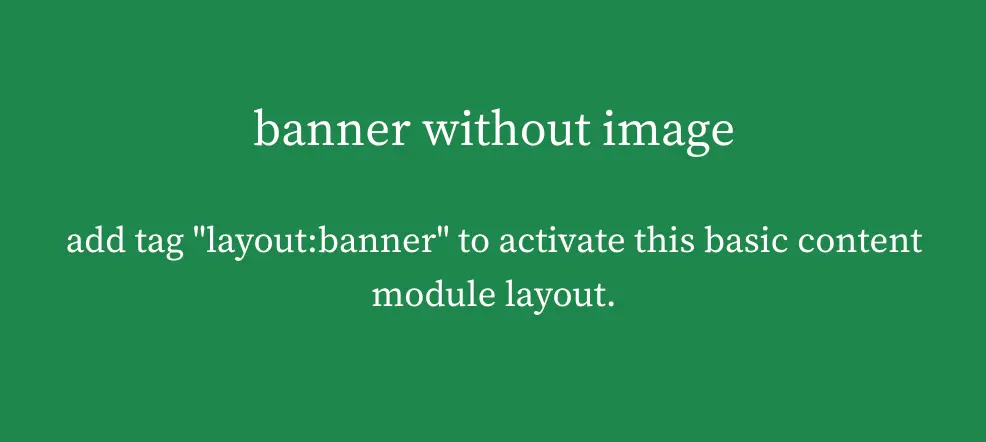
Apply the tag layout:banner to a published Basic subpage to use this layout.
If the page has an attached image, the module displays it alongside the text. Without an image, the text spans the full fluid container.
On desktop, the image appears on the left. On mobile, it appears above the text.
The text is left-aligned on desktop and centred on mobile.
#Screenshots