Navbar / Nav Menu
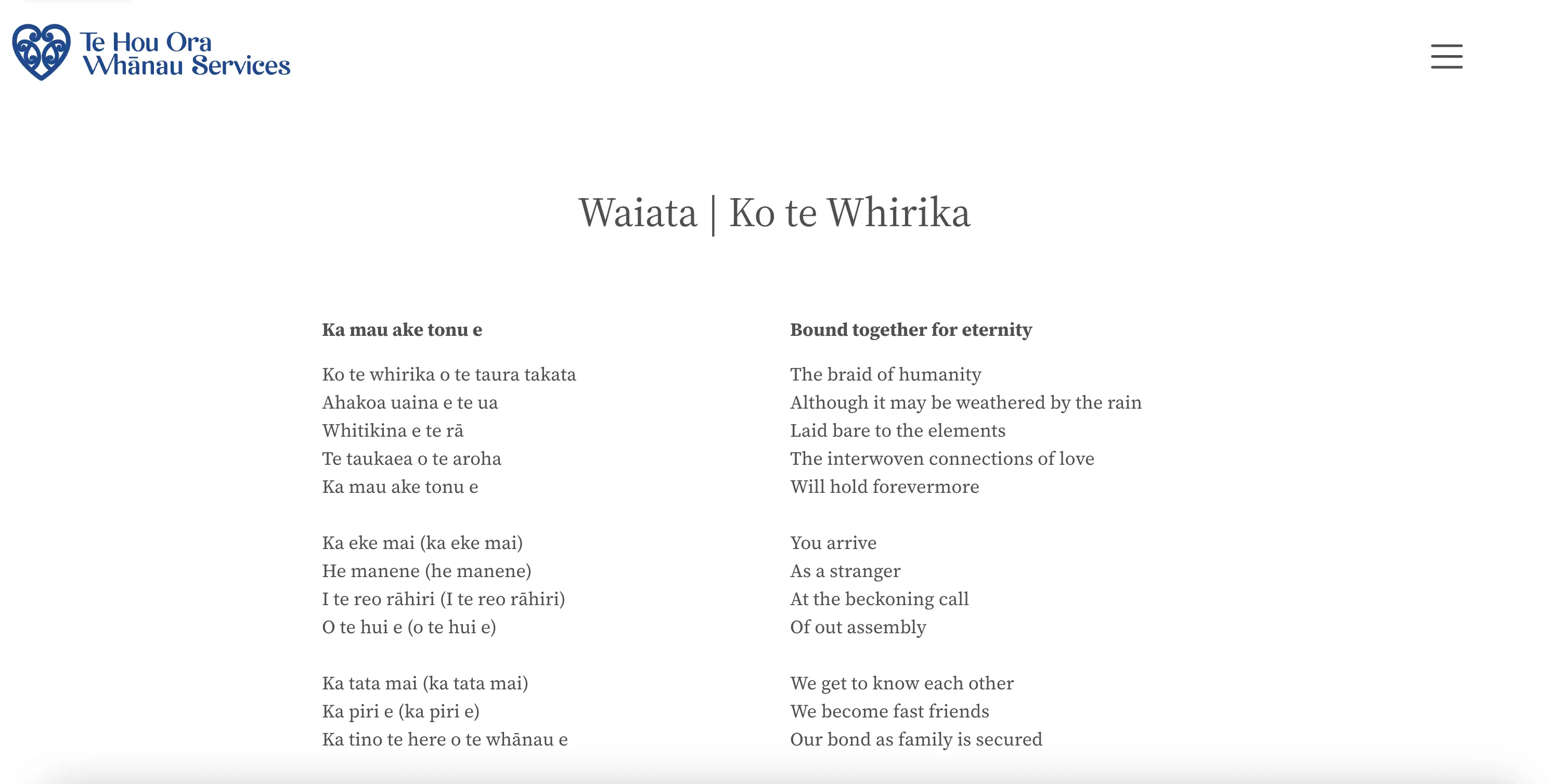
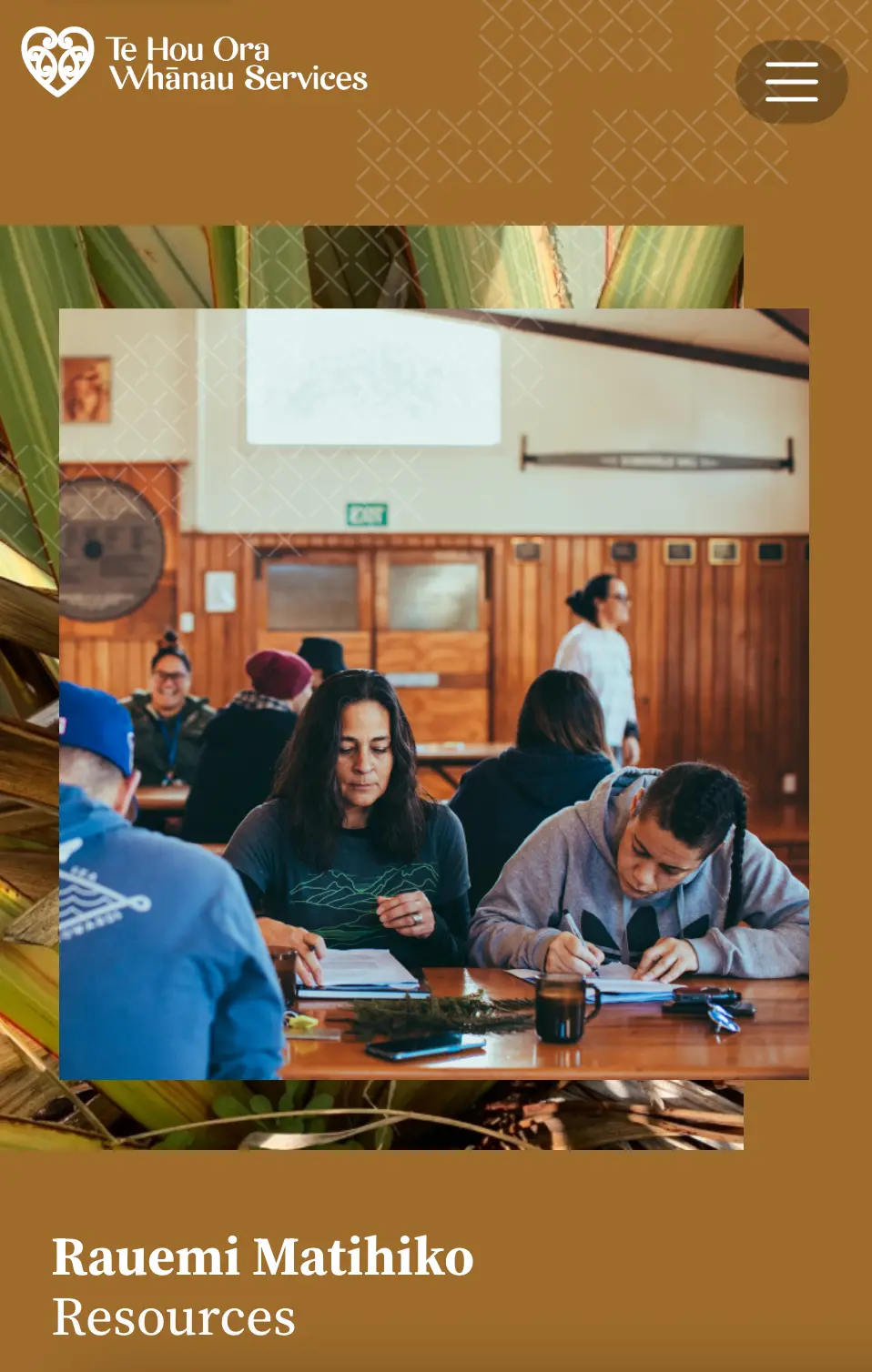
The navbar / nav menu is always closed by default, regardless of screen size.
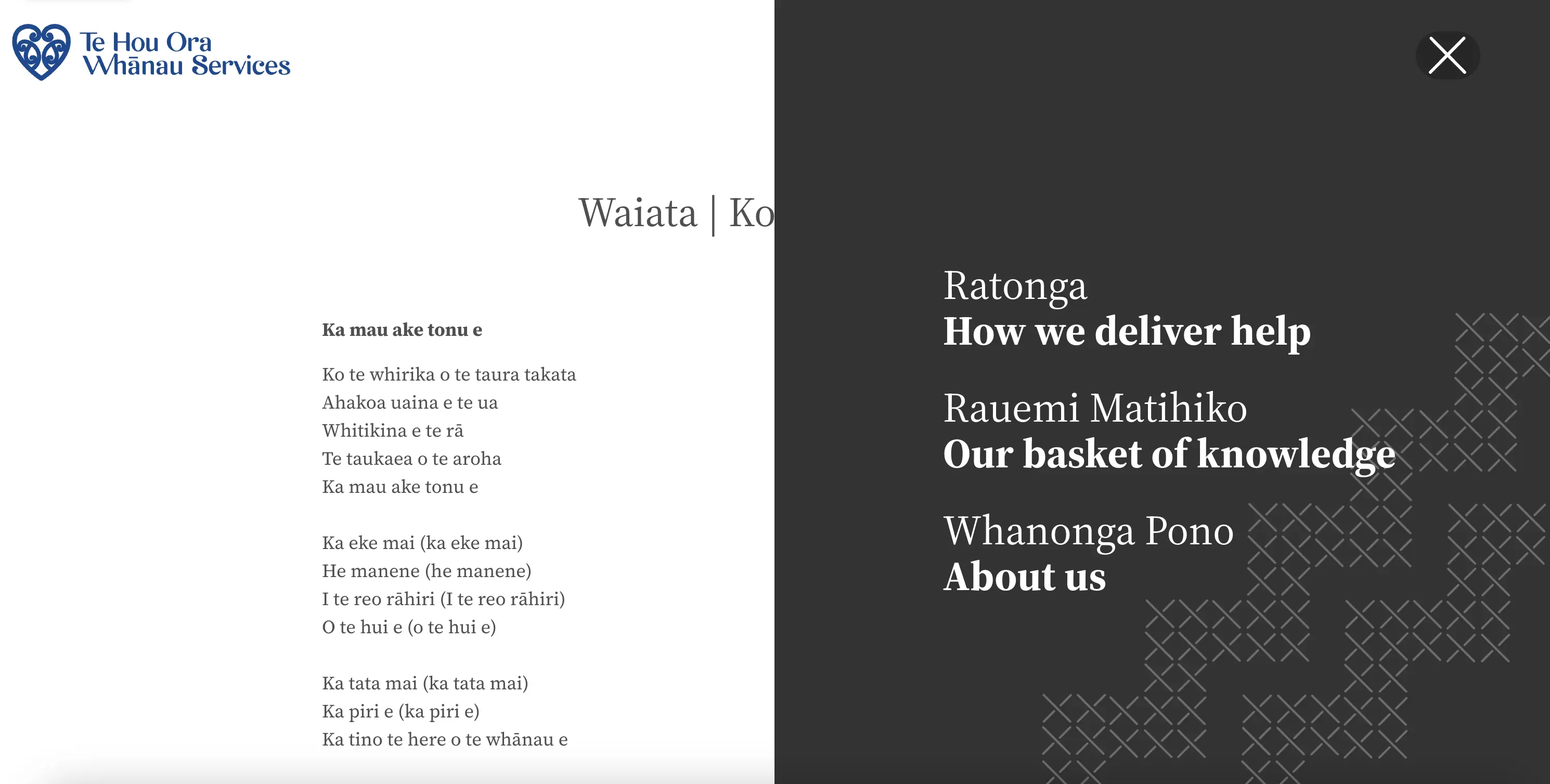
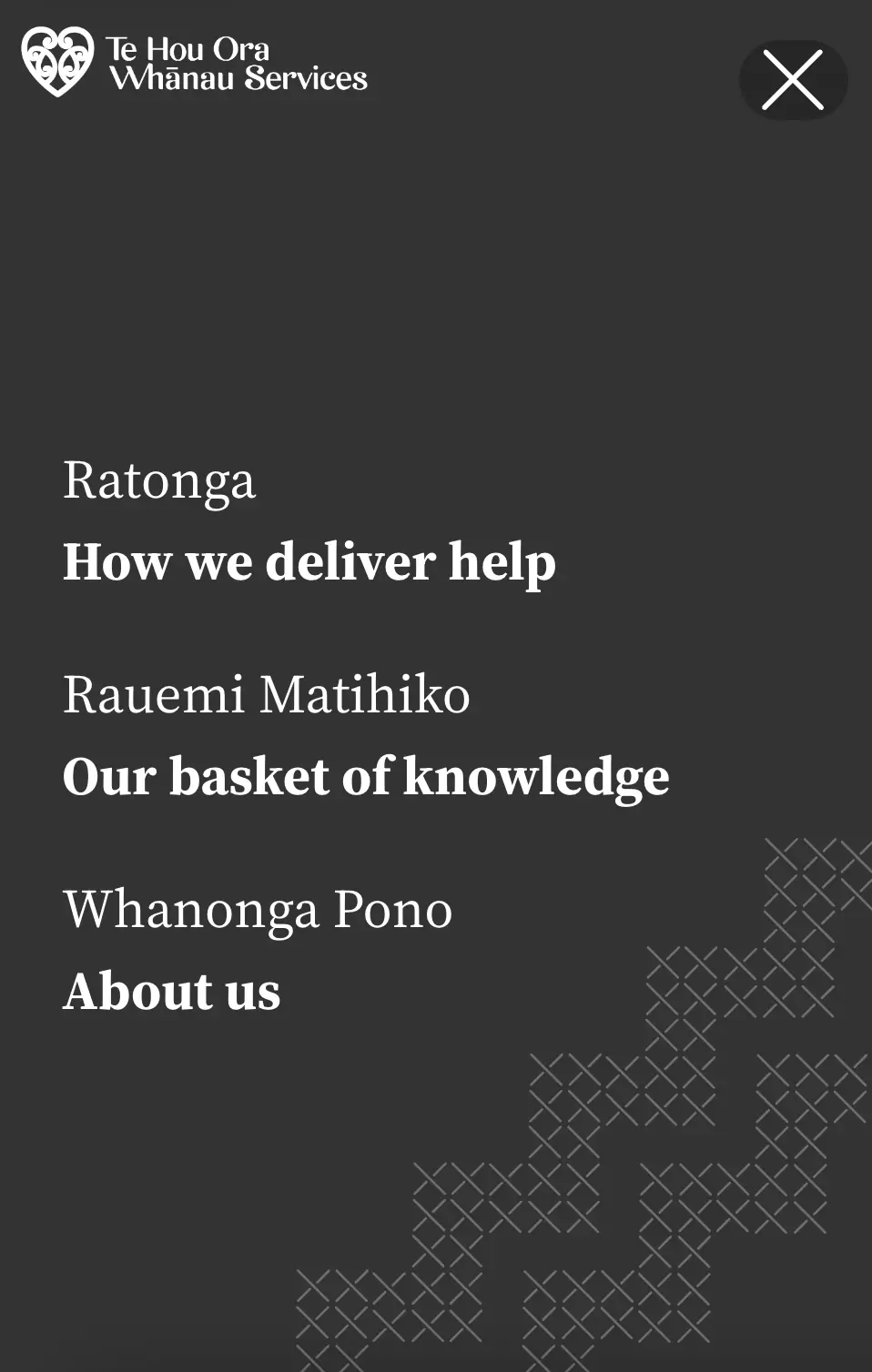
Selecting the hamburger button in the top-right corner slides the menu into view.
The options in the nav menu are determined by the pages included in the top navigation in the NationBuilder control panel:
The navbar supports piped headlines, with the te reo Māori and English text separated by a vertical bar. For example:
- Ratonga | How we deliver help —
/programmes - Rauemi Matihiko | Our basket of knowledge —
/resources - Whanonga Pono | About us —
/about
#Navbar styles
Background colours
You can change the collapsed background colour of the navbar on a page by adding one of the following tags. Preview the available colours on the background-colors page.
style:bg-gray-300—#F8F8F8style:bg-thows-blue—#21498Estyle:bg-thows-green—#219653style:bg-thows-yellow—#FFC631style:bg-thows-brown—#9D6B2Bstyle:bg-thows-black—#333333style:bg-thows-gray—#4F4F4Fstyle:bg-thows-evergreen—#033A2A
Screenshots